

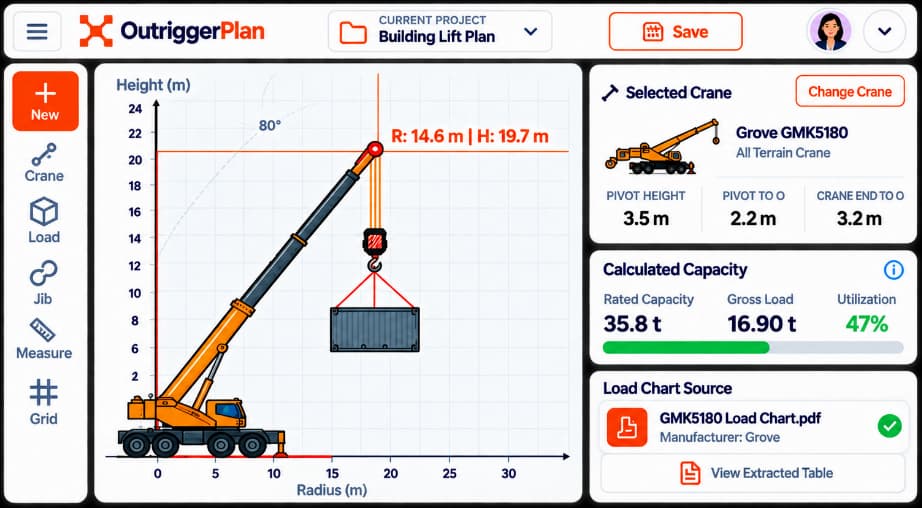
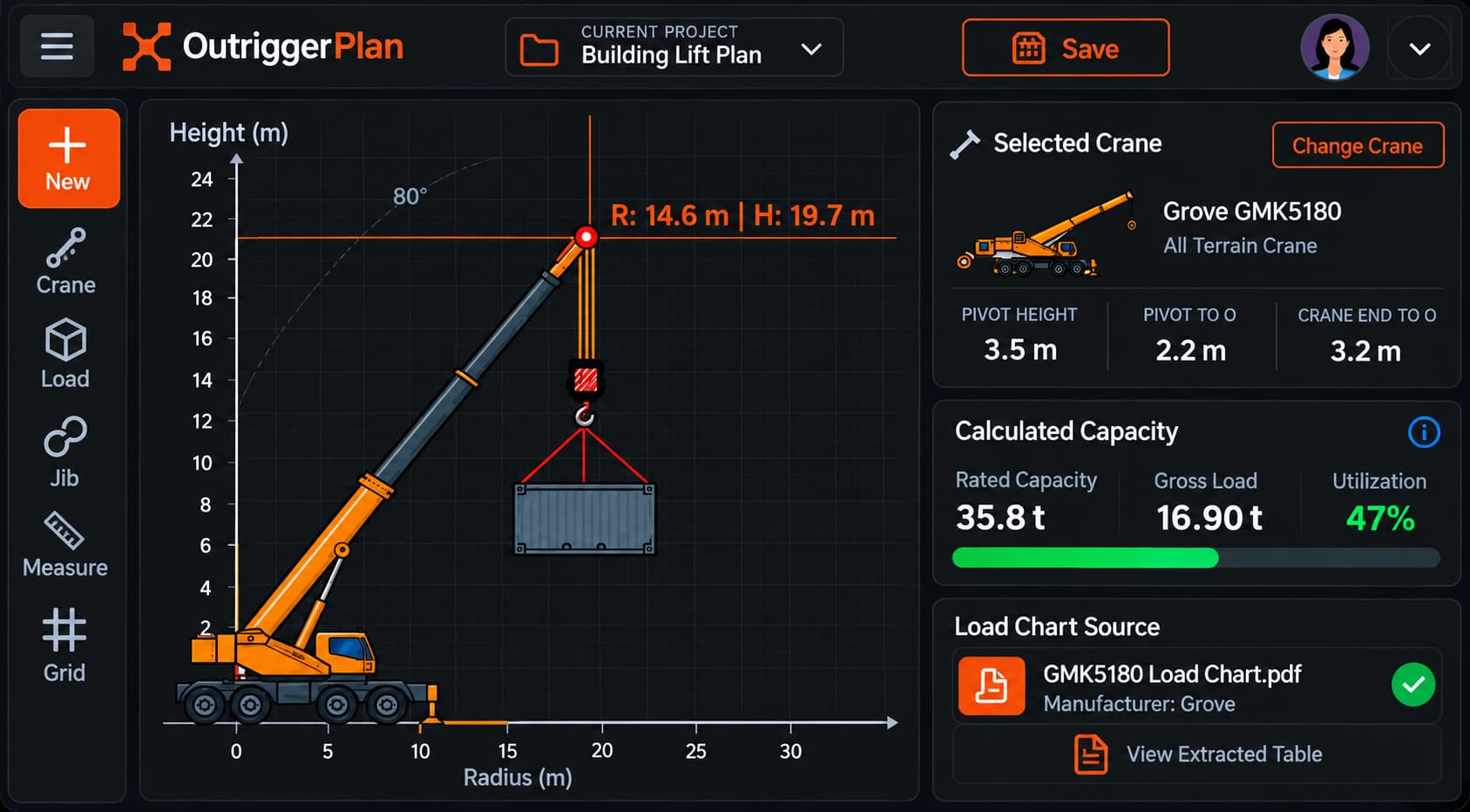
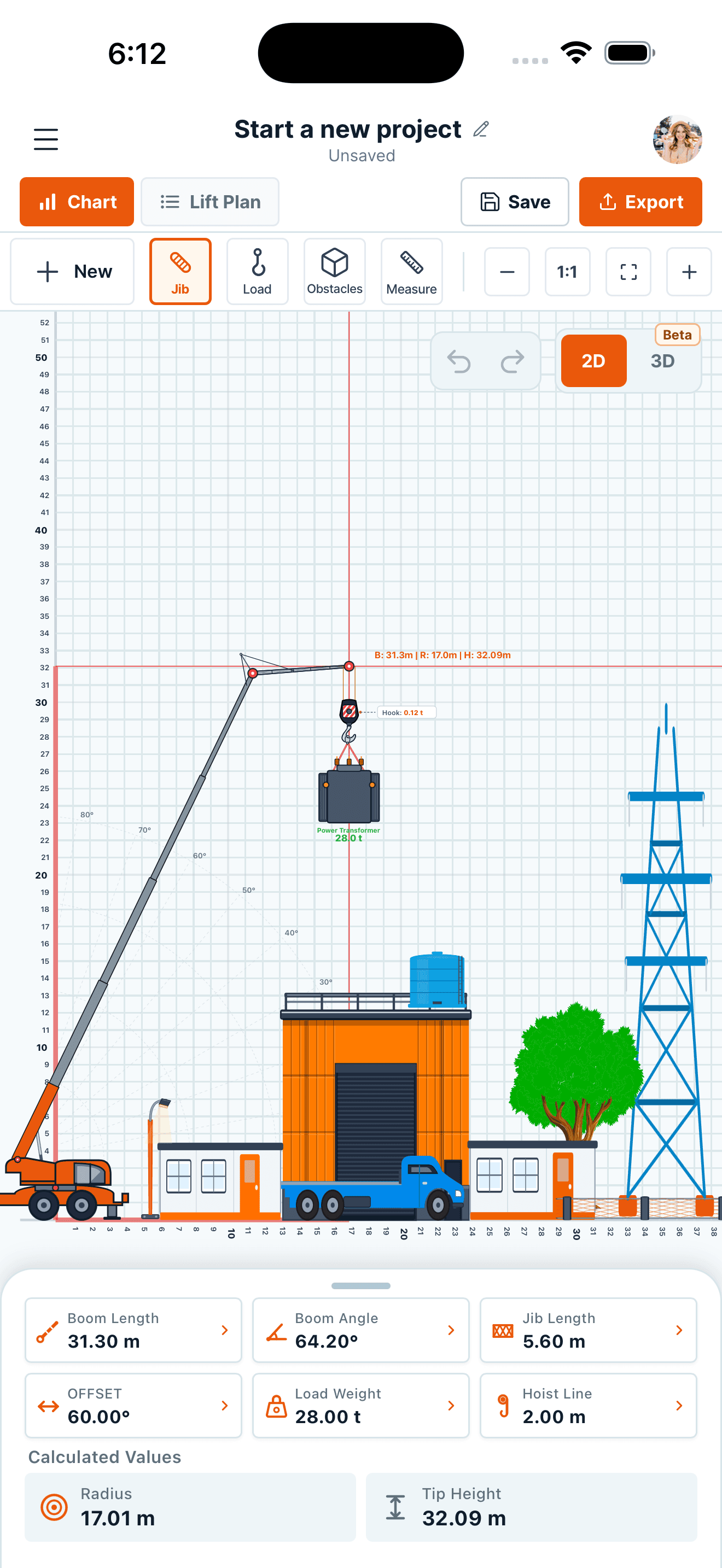
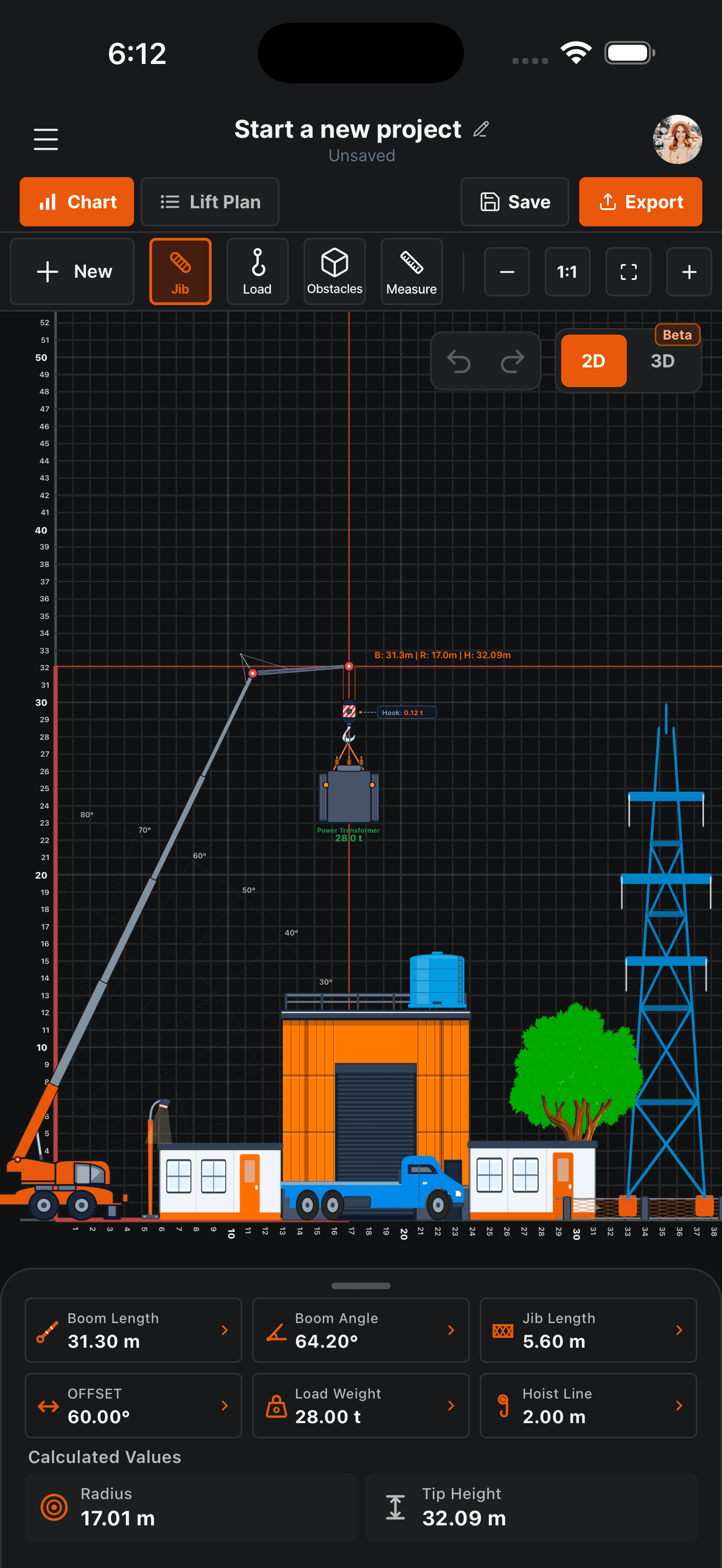
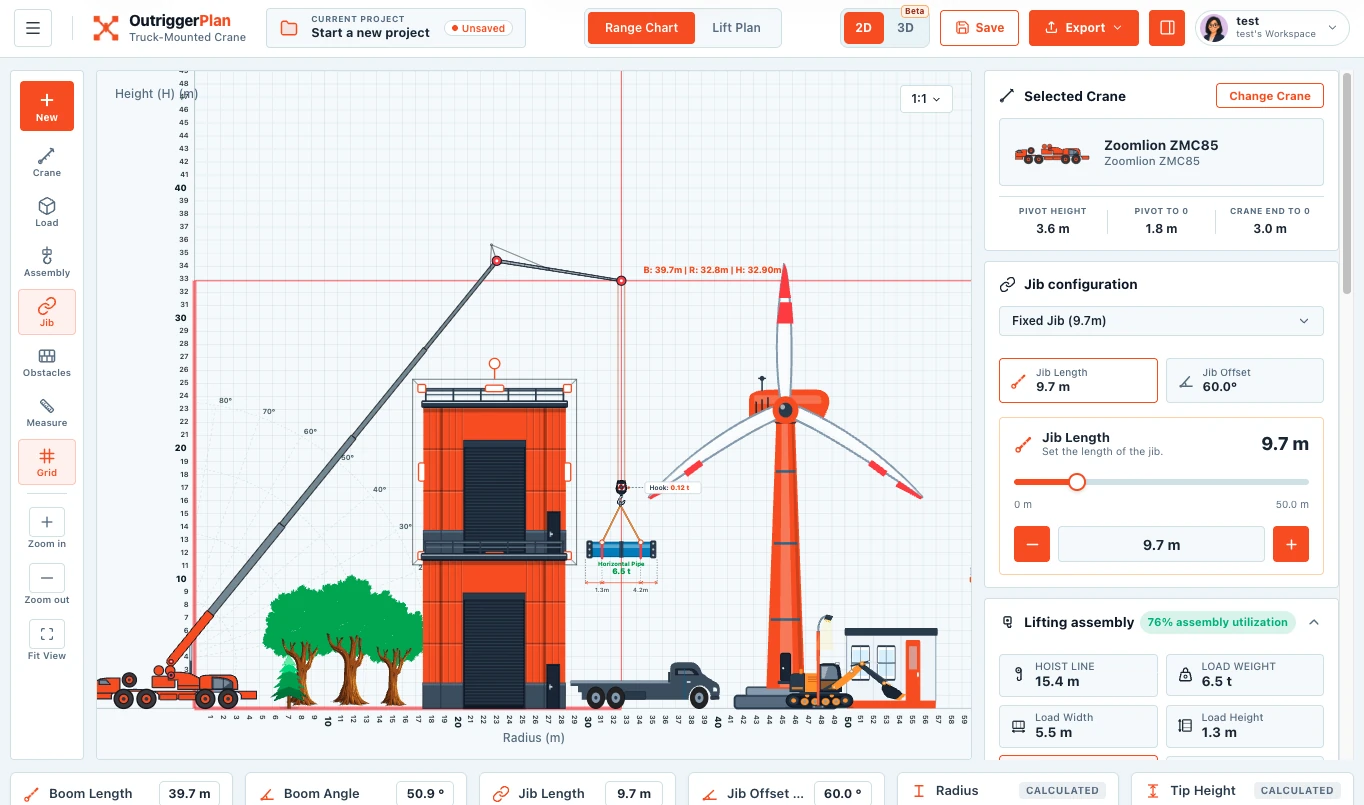
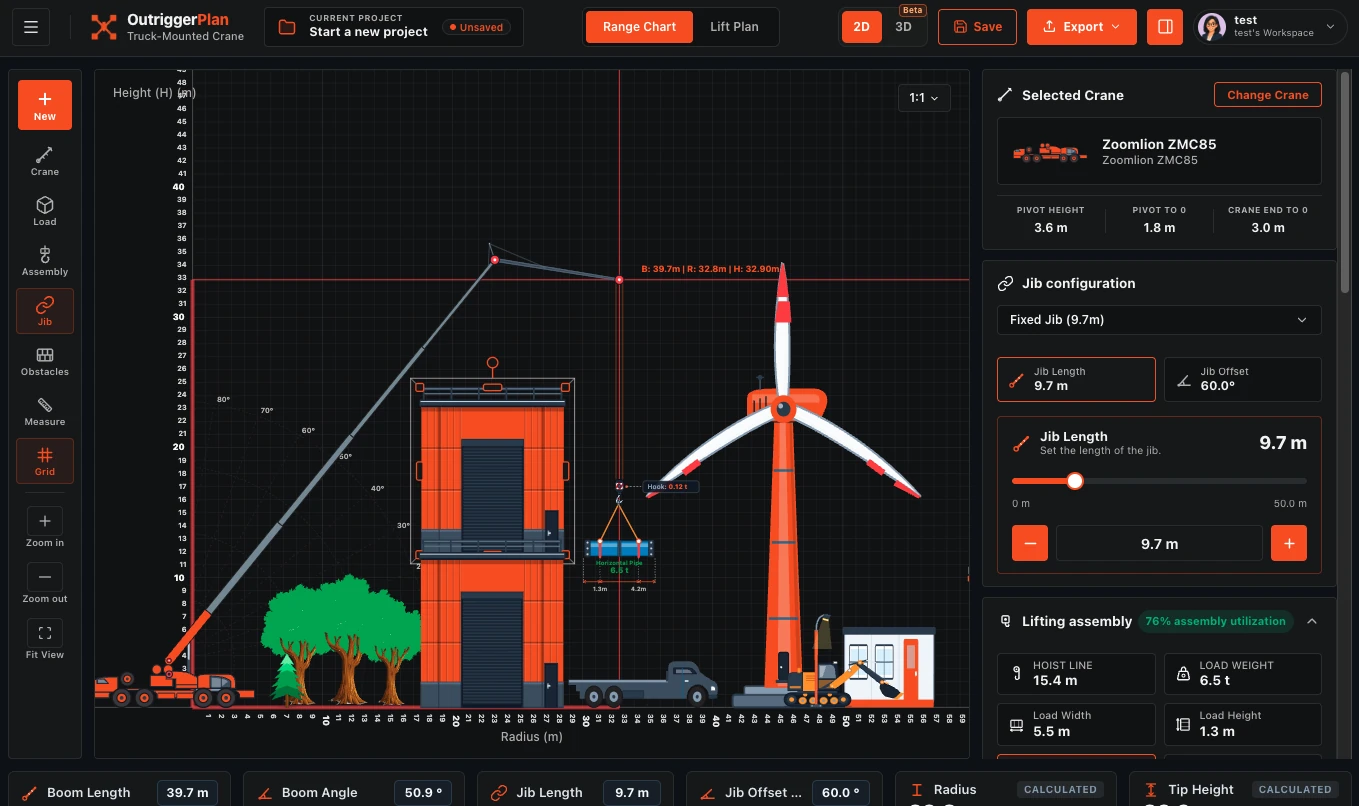



Plan crane lifts safely, accurately, and with confidence.

Set up your crane, check capacity, visualize the lift, and create a clear, shareable lift plan — all in one easy-to-use platform.

Start free account
Watch demo
Free to get startedNo credit card requiredBuilt for professionals
Lift planning in OutriggerPlanLift planning in OutriggerPlan
OutriggerPlan on a phoneOutriggerPlan on a phone

From crane setup to a shareable lift plan in 4 simple steps

A clear, guided workflow that helps you plan safer, faster, and with fewer errors.

1

Set up your crane

Choose a crane type and enter its dimensions.

2

Bring your load chart

Work with manufacturer data for your equipment.

3

Review the setup

Review reach, clearances and available chart capacity.

4

Share your plan

Put the drawing and job details together in a PDF.

Mobile crane range chart

Visualize, plan and check your lift.

  • View crane range and boom angle
  • Check capacity and clearances
  • Add site elements and obstacles

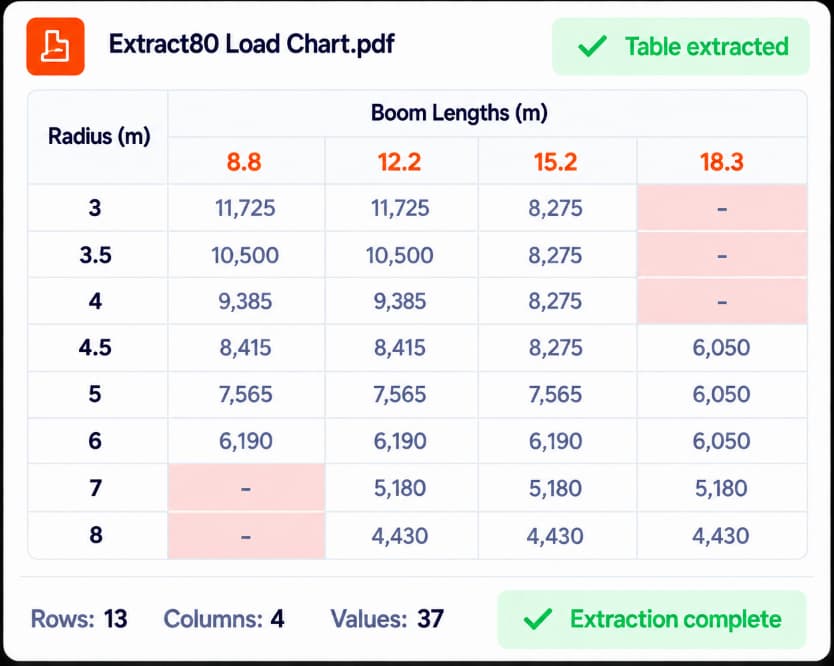
From your PDF to a lift plan.

Import your manufacturer’s chart, review the extracted data and attach it to your crane. Less manual entry, more time to plan.

  1. 1Upload your PDF
  2. 2Review the extraction
  3. 3Attach the chart
PDFManufacturer chart

Your original document

OutriggerPlanData ready to review
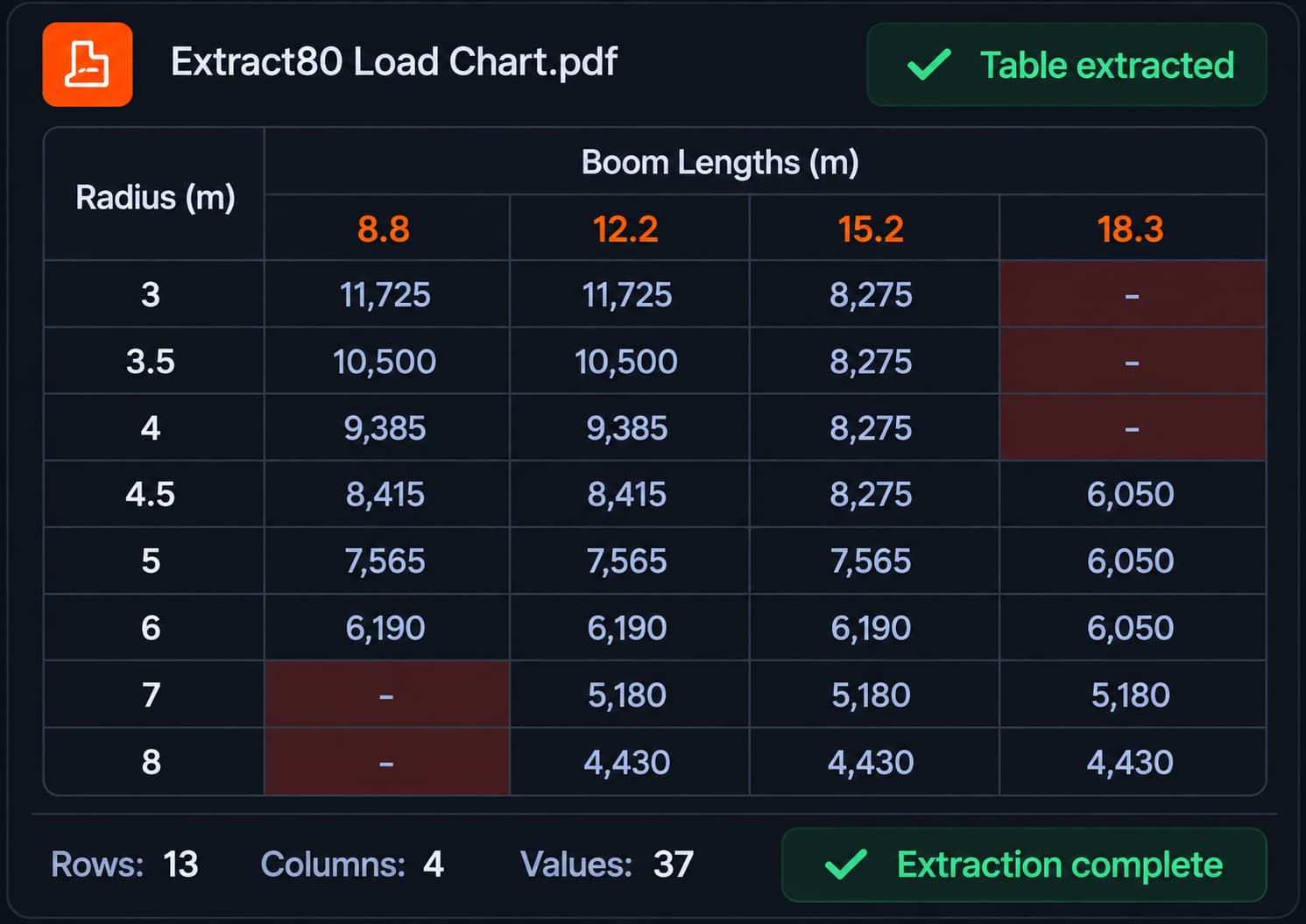
Extracted load chart in OutriggerPlan
Chart attached to crane

Process demonstration. Always review the extraction against the original PDF before use. Available in Solo and Team; extraction limits apply.

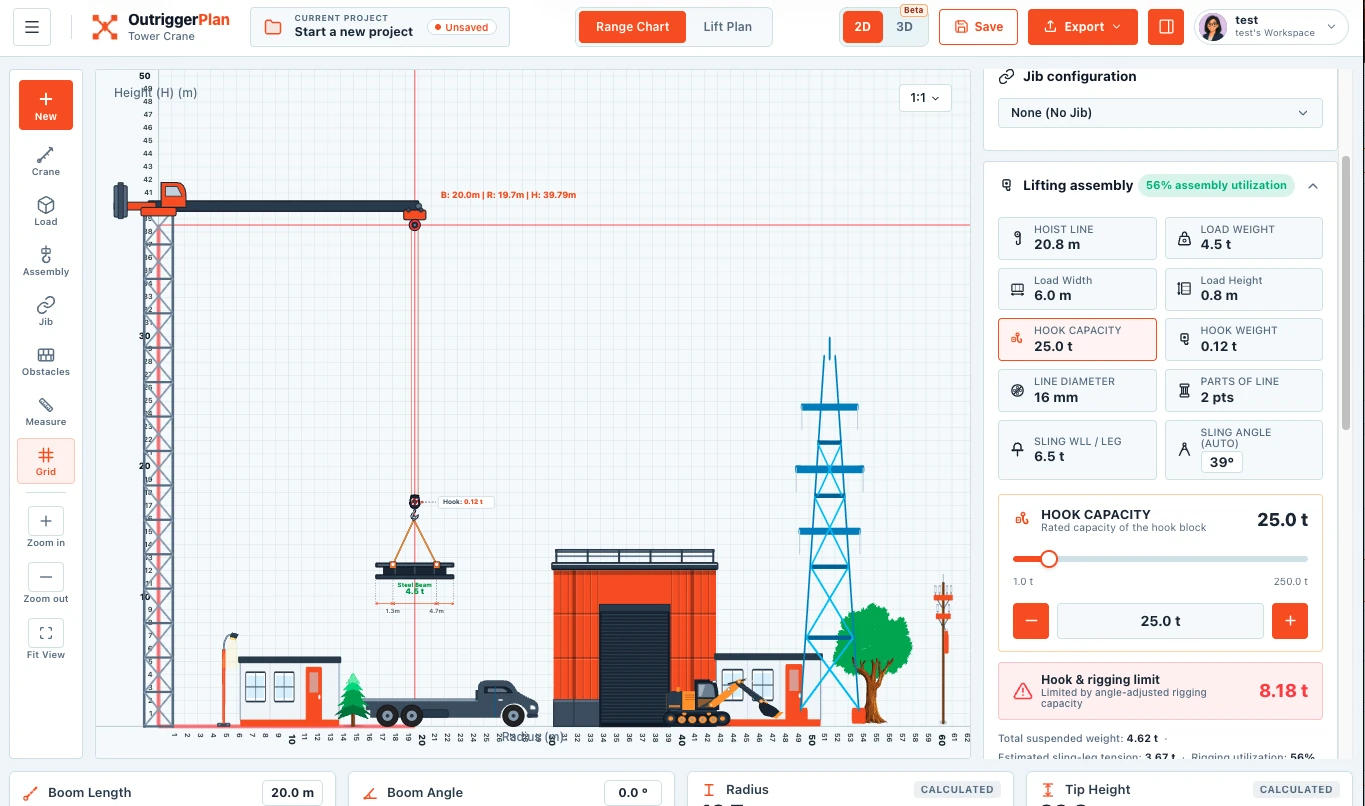
See what changes before you lift.

Adjust your setup, compare scenarios, and review chart capacity for your configuration.

  • Adjust boom length, angle and radius
  • Review rated capacity, gross load and utilization
  • Keep your load-chart source in view
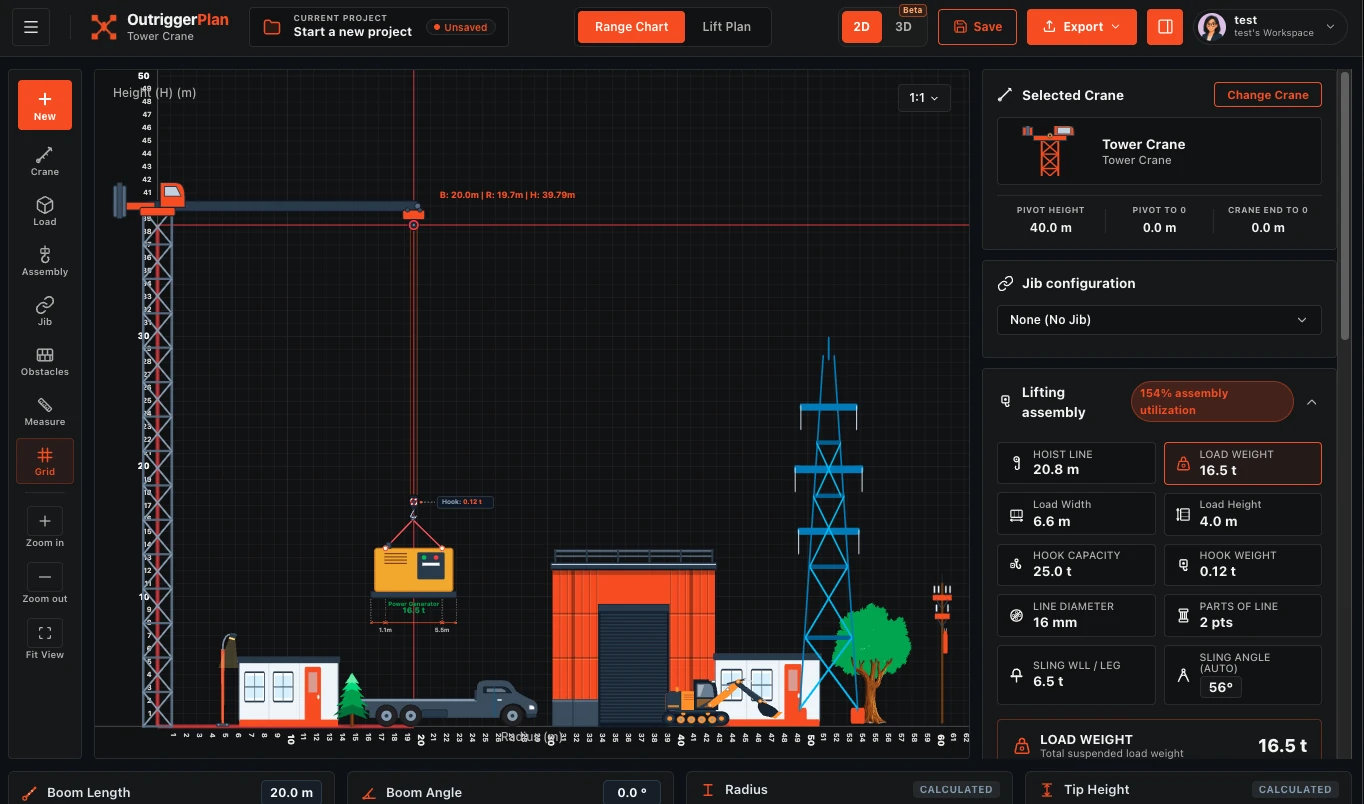
OutriggerPlan showing rated capacity, gross load and utilizationOutriggerPlan showing rated capacity, gross load and utilization

See your lift in 3D.

View the crane, load, site, and surroundings together in an interactive 3D workspace.

  • View the crane, load and site together
  • Switch between angles
  • Add site views to your lift plan
Try 3D free for 7 days

Learn and get more from OutriggerPlan.

Step-by-step guidance, practical examples, and helpful tools for smarter lift planning.

Tutorials

Quick video walkthroughs to get you started.

Guides

Practical guides and best practices.

Calculators

Useful lifting and site planning calculators.

User manual

A complete reference for all features.

Desktop planning. Elevated.

Loading offer…
Mobile app mockupHand holding the OutriggerPlan mobile app
Plan wherever work takes you

Your lift plan, in hand.

Build, check and share professional lift plans from the field with the OutriggerPlan mobile and desktop apps.

Good questions. Clear answers.

Enter the outrigger force from your crane data and choose a pad. OutriggerPlan shows the bearing pressure, the utilisation against the allowable pressure, and the minimum pad size.
OutriggerPlan mobile crane

Start planning your next lift.

Create a clear, professional lift plan in minutes.

Create free account